
Neural RenderStudio product image
NEURAL ART STUDIO
Photo Maker blends an AI photo generator and AI picture editor in a single canvas. Spin up AI generated images from a prompt, retouch faces, extend scenes, design catalog-ready product frames, and ship publication-quality artwork without juggling tools.
JUMP RIGHT IN
Skip the learning curve and head straight into the most-used AI image creator, AI photo maker, and AI picture editor paths inside Photo Maker.
CREATE & REFINE
One connected workflow that helps you create AI generated images, sharpen ideas, and reshape rough renders into finished visuals for ads, catalogs, portraits, and branded storytelling.
AI image generator
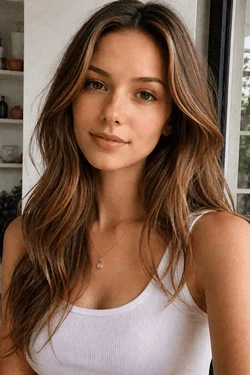
Describe a scene and watch the AI image generator build polished portraits, product shots, and campaign concepts. It doubles as a quick AI photo generator, AI picture maker, and AI photography generator — all under one roof.
Start Generating




AI photo edit
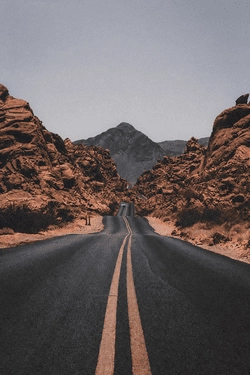
Replace, retouch, or expand any frame after generation. Use the AI photo editor for background cleanup, localized AI photo edits, and structured fixes when a single tap isn't precise enough for your final design.
Open the Editor Raw prompt
 Polished cut
AI picture generator
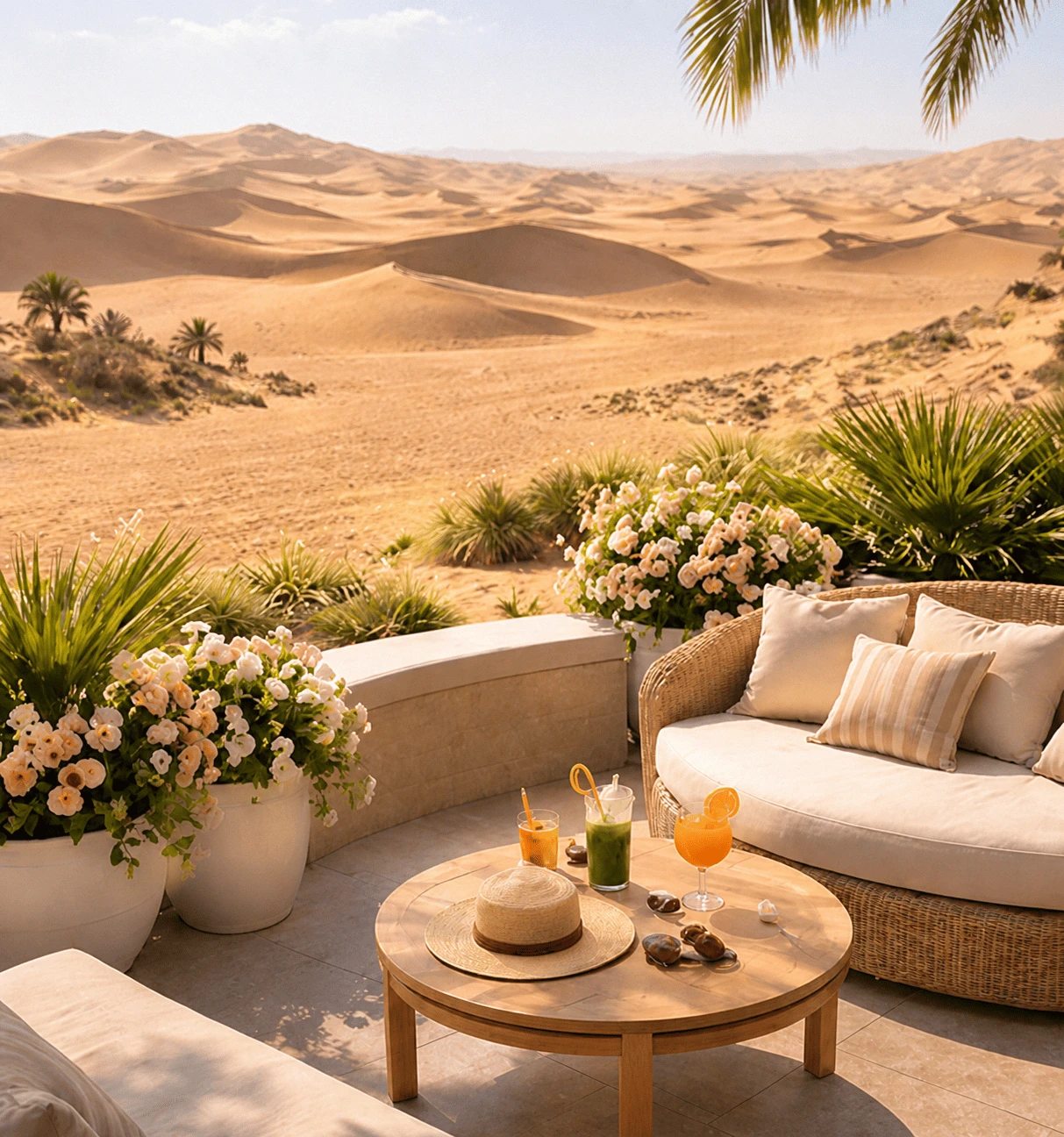
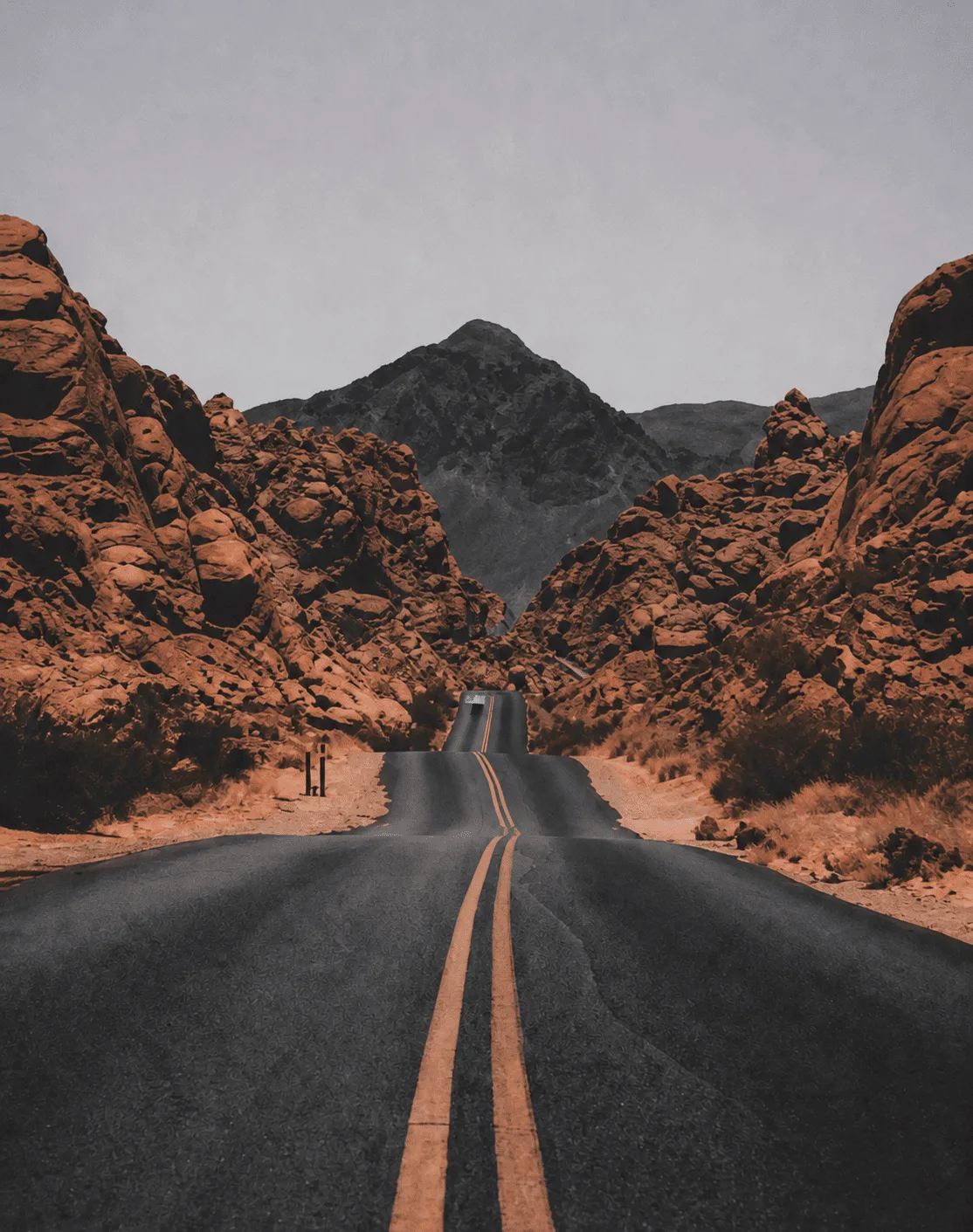
Stretch a single render into wider compositions for storefronts, hero blocks, story formats, and ad placements. The AI picture generator pipeline lets you reuse AI generated images across formats without redoing the prompt.
Try Outpaint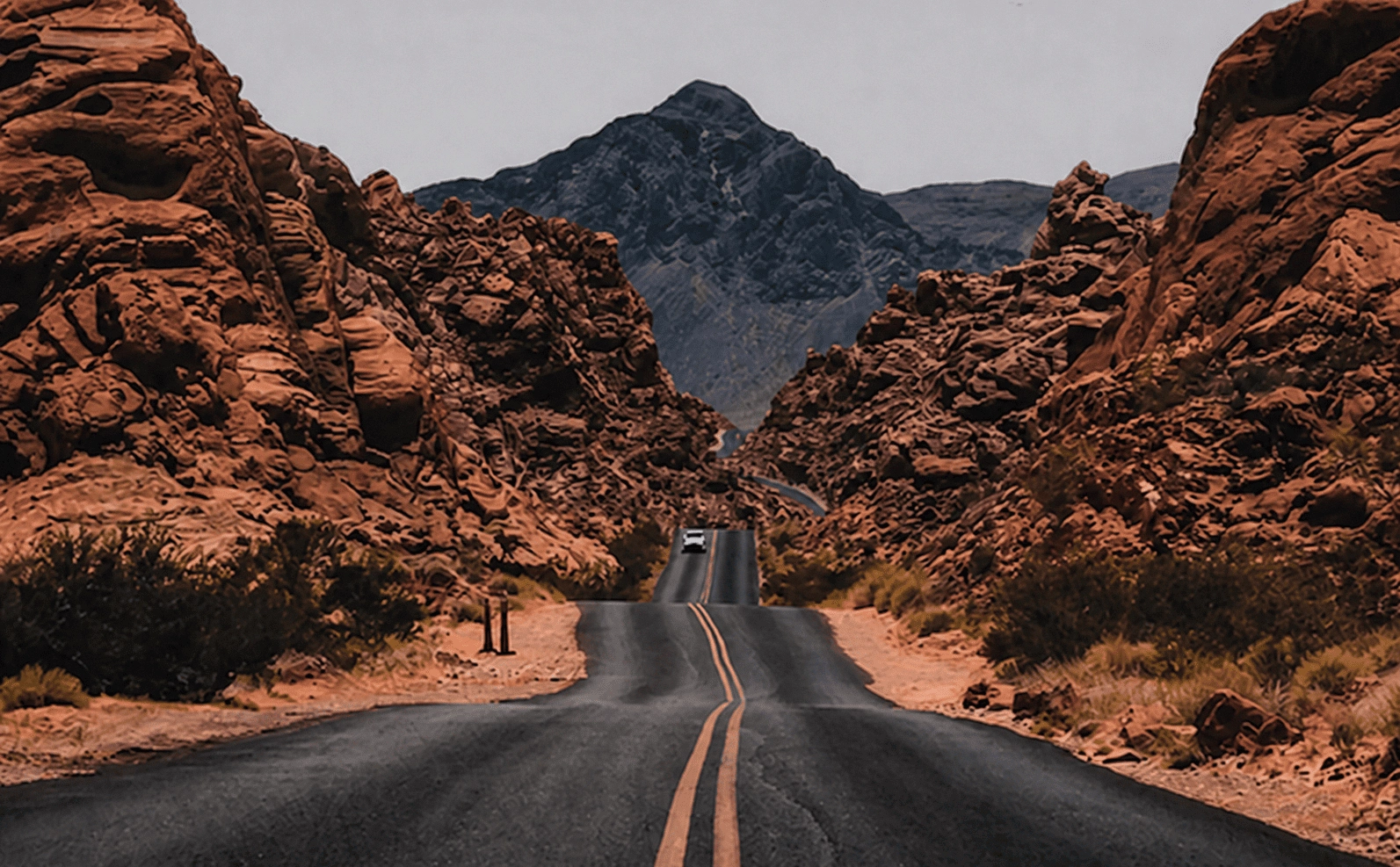
 Source crop
Wipe unwanted objects out of AI generated images and uploaded photos in seconds.
Isolate subjects cleanly for ecommerce listings, ads, and AI photo generator mockups.
Spin up alternate visual directions for campaigns, moodboards, and creative briefs.
Upscale AI generated images while preserving edges, fabric texture, and fine detail.
Restore definition in portraits, product frames, and AI photography generator outputs.
Move, resize, or isolate details inside any AI image generator composition.
Strip grain and compression artifacts from uploads and generated renders without losing detail.
LAYOUTS & FINISHING
Take raw AI generated images all the way to ready-to-publish artwork with collage grids, catalog-ready product scenes, expressive filters, and lightweight editing built for fast production cycles.
AI picture editor
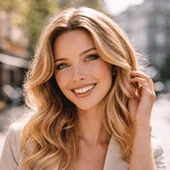
Stitch together multiple renders, reference shots, and product frames into one polished composition. The AI picture editor is the quickest path from several AI picture generator drafts to a single shareable layout.
Build a Collage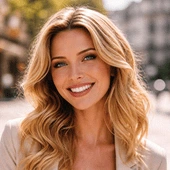
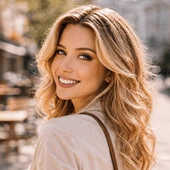
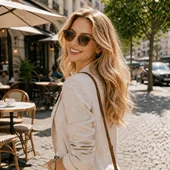
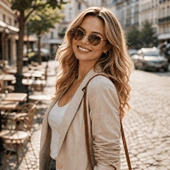
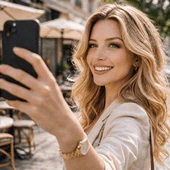
AI photography generator
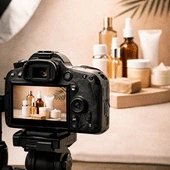
Direct beauty, fashion, and ecommerce scenes with an AI photography generator, then shape them into catalog-ready visuals — without booking a studio or rebuilding every prop from scratch.
Design a Catalog
Crisp studio AI generated images ready for beauty, ecommerce, and ad mockups.
AI photo editor
Layer filters, color grades, and finishing touches onto any AI image generator output to give ads, thumbnails, and social posts a stronger, more memorable visual direction.
Explore Filters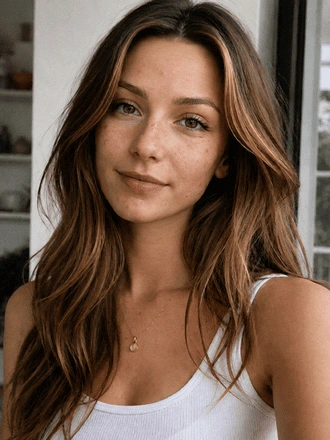 Source
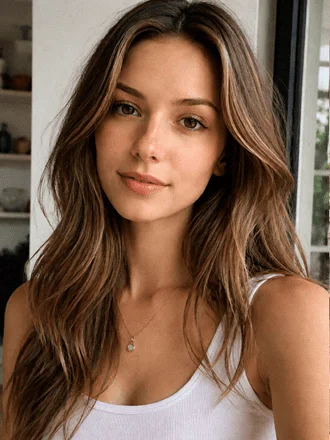 Styled
Lift contrast, micro-detail, and depth inside AI generated images.
Add premium depth to portraits and AI photo generator compositions.
Transform AI picture generator outputs into poster-style artwork.
Craft mirrored compositions from a single AI image generator render.
Turn AI image generator concepts into bold, eye-catching edits.
Recolor mood and atmosphere for product, portrait, and AI photography generator visuals.
FREQUENTLY ASKED
Get the full picture of what Photo Maker can do — from AI generated images and AI photo edits to layouts, filters, and product scenes.
Photo Maker is an AI image generator, AI photo generator, AI picture generator, and AI picture editor designed for prompt-driven creation, retouching, product scenes, portrait work, and design-ready assets — all in a single studio.
Spin up AI generated images for product shots, portrait sessions, social posts, ad concepts, moodboards, banners, storefront graphics, and fast campaign mockups from nothing more than a short text prompt.
The editor ships generative fill, generative expand, smart object cleanup, portrait retouching, composition fixes, and localized AI photo edits whenever you need more than a one-tap filter can deliver.
Absolutely. Strip backgrounds from products and portraits, erase visual clutter, and prepare clean cutouts for ads, ecommerce listings, and layered design work in just a couple of clicks.
Yes. Photo Maker bundles Super Resolution, Clarity Boost, and Noise Reduction so you can upscale renders, recover crisp edges, and rescue low-light or compressed photos without sacrificing detail.
Portrait polish, face-aware refinements, quick beauty retouching, and creative visual variations are all built in, helping you explore multiple looks from one base photo.
Collage and grid templates, crop and resize controls, picture editing knobs, and fast composition presets let you combine multiple AI generated images into a single social, ad, or presentation-ready layout.
Yes. Generate studio-style product imagery, shelf-ready beauty shots, simple campaign mockups, and polished ecommerce scenes without booking a photographer or building every prop by hand.
Photo Maker includes HDR, Focus / Bokeh, Dispersion, Mirror Reflect, Glitch, and Color Shift so you can push AI generated images toward a stronger final style with a single tap.
Yes. The studio is browser-first and tuned for both desktop and mobile workflows, so you can generate, edit, review, and export from the device closest to you.